
Clover POS, set up and supported locally
Countertop, handheld and mobile Clover devices for retail, quick service and service businesses, with programming, training and transparent processing from our Brandon team.
Where Clover shines
Hardware for every counter
From full countertop stations to handhelds and mobile readers.
Large app market
Add loyalty, scheduling, payroll and more as you grow.
Easy for staff
Intuitive screens mean new hires are ringing up in minutes.
Inventory and reporting
Track items, stock and sales from anywhere.
Online and in person
Take online orders and payments that sync with the register.
Dual pricing ready
Run a compliant cash and card pricing program on Clover.
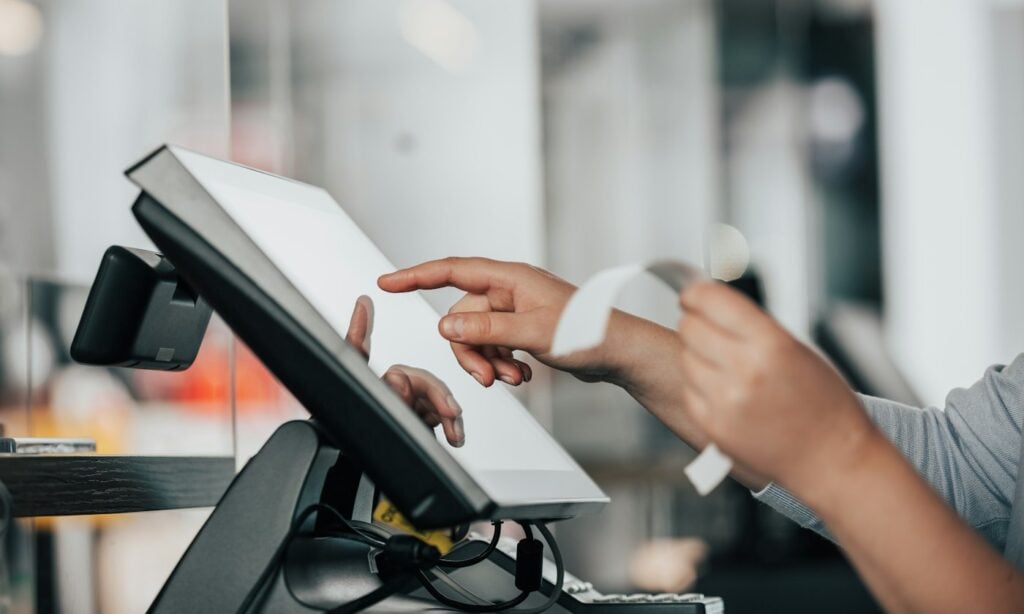
Is Clover right for you?
Clover is one of the most flexible systems available, which makes it a strong default for retail stores, quick-service restaurants and service businesses that want something easy to learn with room to grow.
Good fit if you…
- Run a retail store or counter-service restaurant
- Want a large choice of hardware
- Plan to add apps like loyalty or scheduling
Consider something else if you…
- Run a large full-service dining room that needs advanced table management
- Need deep, specialized inventory for tens of thousands of SKUs
Compare it with the other systems we support on our POS comparison page.
What you get with Champion
- Help choosing the right Clover hardware for your counter
- Menu, items, taxes and users programmed before go-live
- Hands-on training for you and your staff
- Transparent processing, or a compliant dual pricing program
- A local contact in Brandon when you need help
For a retail rollout, compare inventory and checkout requirements with our retail payment processing guide. Confirm the hardware model, software subscription, app charges and processing agreement together before choosing a package.
Choosing the right Clover hardware
Clover’s biggest strength is choice. A busy counter usually needs a full countertop station with a customer-facing screen. A smaller shop may only need a compact terminal. Restaurants that want to take payment at the table, or businesses that sell at events, can add handheld devices. Because everything runs on the same software, you can mix devices as your business grows.
Before you buy, think about where payments actually happen in your business, how many people ring up sales at once, and whether you need a printer, cash drawer or kitchen printer. We’ll help you buy only what you’ll use.
Apps that add what you need
Clover’s app market lets you add tools for loyalty, scheduling, employee timekeeping, gift cards and more. That flexibility is useful, but app subscriptions add up. We’ll walk through which apps you actually need and what each costs per month, so your software bill doesn’t creep up over time.
Software plan, hardware and processing
A Clover setup has three costs: the monthly software plan, the hardware, and payment processing. Many owners only see the bundle and don’t realize the processing rate is often where most of the cost sits. With Champion, you’ll see all three separately and in writing, and your processing is priced on interchange-plus so the markup is clear.
- Software plan matched to the features you use
- Hardware you can purchase rather than lease
- Processing with a visible markup and no surprise fees
Dual pricing on Clover
Clover supports compliant cash and card pricing, so customers see both prices before they pay and the receipt shows exactly what was charged. We’ll configure the settings, signage and receipts for you. Learn more about dual pricing.
Already on Clover?
If you already use Clover through another provider, you may be able to keep your hardware and change who supports and processes for you. Send a recent statement and we’ll tell you what you’re paying, what your options are, and whether switching makes sense.
What setup with Champion includes
We program your items, taxes, modifiers and staff permissions, test every device, and train your team. After go-live, you call a person who knows your account.
Reporting that helps you run the business
Clover’s reports show sales by item, category, employee and time of day. For a retail store, that means knowing which products to reorder and which to mark down. For a counter-service restaurant, it means seeing which hours need more staff and which menu items carry the best margin. Reports are available on the device and from your phone, so you can check the day’s sales without being in the store.
Online and in-person sales together
If you take online orders or sell products on a website, Clover can keep those sales in the same system as your counter. Items, prices and inventory stay in sync, and every payment shows up in one report. That makes month-end bookkeeping simpler and helps you see the whole business at once.
Easy for new staff to learn
Turnover is a fact of life in retail and quick service. Clover’s screens are simple enough that most new hires can ring up a sale after a short walkthrough. Employee logins and permissions let you control who can issue refunds, apply discounts or open the cash drawer, so you can train quickly without giving everyone full access.
Thinking about Clover? Talk to a person first.
We’ll tell you if it fits your business, or recommend something that does.
Get my free statement audit →Prefer to talk? (800) 962-5908 — yes, a person answers.