
Send the invoice. Get paid the same week.
Professional invoices with a pay-now link, automatic reminders, and payments that land in the same account as the rest of your sales.
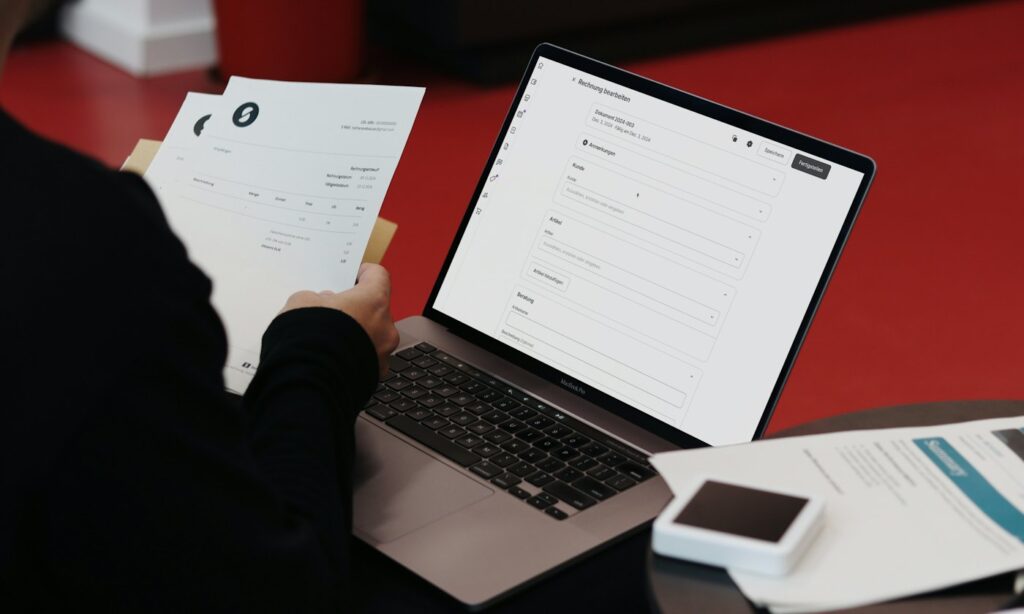
Stop chasing checks
If you do the work first and get paid later, every unpaid invoice is a loan you didn’t agree to. Card-payable invoices shorten that gap: the customer gets a link, taps pay, and the money is on its way to your account.
What you can do
- Send branded invoices by email or text in seconds
- Let customers pay by card or bank transfer from their phone
- Set automatic reminders so you’re not the one asking
- Take deposits upfront for larger jobs
- See what’s paid, pending and overdue in one place
Who it’s for
Invoicing fits businesses that bill after the work is done: contractors and home services, auto repair shops taking payment on approved repairs, medical offices collecting balances, and any business with repeat or wholesale customers.
Pair it with dual pricing
Invoices can carry the same cash and card pricing as your counter, so card fees on large jobs don’t eat your margin. Learn how dual pricing works.
Compare payment-link costs before choosing a setup
Confirm how card and bank payments are priced, when funds are available, and which accounting or job-management integrations are supported. Include recurring software fees and any refund or dispute charges in the comparison. Our payment processing overview explains the pricing models, and the statement reading guide helps identify your existing costs.
Why invoices sit unpaid
Most late payments aren’t about money. They’re about friction. The invoice arrives as a PDF, the customer means to pay it, and then it gets buried under the rest of their inbox. Every extra step between “I should pay this” and “paid” adds days to your cash cycle.
A payable invoice removes those steps. The customer opens a text or email, taps one link, and pays by card or bank transfer from their phone. There’s no account to create and no check to mail. You get a notification the moment it clears.
How it works
You create the invoice from your phone or computer, add the line items, and send it by text or email. If it isn’t paid by the due date, automatic reminders go out for you. Paid, pending and overdue invoices all live in one view, so you can see who owes what without digging through a spreadsheet.
Deposits and progress payments
For larger jobs, collect a deposit when the customer approves the estimate and bill the balance when the work is done. Keeping the signed estimate with the payment makes it clear what the deposit covers. For long projects, send progress invoices at agreed milestones so you’re never financing the whole job yourself.
Keep the card fee off your margin
On a large invoice, a card fee can take a real bite out of your profit. Invoices can carry the same cash and card pricing as your counter, so customers who pay by bank transfer get the lower price and customers who pay by card cover the cost of the card. See dual pricing for how that works.
Who gets the most out of invoicing
Businesses that bill after the work is done see the biggest change: trades and home services, auto repair shops collecting on approved repairs, medical offices collecting patient balances, and any business with wholesale or repeat customers. If you currently mail invoices or wait on checks, you’ll feel the difference in the first month.
Getting started
We set up your account, your invoice template and your payment options, connect it to your processing, and show you how to send your first invoice in a few minutes. If you also take payments in person, everything lands in the same reports.
What your customer sees
Your customer gets a short message with your business name, the amount due and a secure pay button. The invoice opens on their phone with your logo and line items, so there’s no confusion about what they’re paying for. They can pay in full, and they get a receipt by email automatically. If they have a question, they reply to the message and it comes straight to you.
Tips for getting paid faster
- Send the invoice the same day the work is finished, while the job is fresh in your customer’s mind
- Be specific on line items so there’s nothing to question before paying
- Set clear due dates and let automatic reminders do the follow-up
- Offer card and bank transfer so customers can use whatever is easiest
- Collect deposits up front on larger jobs
Every invoice you send and every payment you collect shows up in the same reports as your in-person sales, so reconciling at the end of the month takes minutes instead of an afternoon.
Already taking cards? Check what it costs.
Send one statement and get a line-by-line answer within 24 hours, free either way.
Get my free statement audit →Prefer to talk? (800) 962-5908 — yes, a person answers.